Features

  • AccelaStudy is a universal application and runs on iPhone, iPod touch, and now the iPad. The iPad version uses a layout and artwork designed for the iPad.
  • Retina Display ready. High resolution iPhone and iPod touch artwork is included to take advantage of the crystal clear Retina Display in iPhone 4 and the latest iPod touch.
  • Extensive Vocabulary
  • Many Ways to Practice and Learn
  • See the screenshots below for many other features!

Available Languages

AccelaStudy is available in all of the following languages:

  • Arabic (Modern Standard)
  • Chinese (Mandarin)
  • Dutch
  • French
  • German
  • Greek
  • Hebrew
  • Italian
  • Japanese
  • Korean
  • Polish
  • Portuguese (Brazilian)
  • Romanian
  • Russian
  • Spanish
  • Turkish
  • Ukrainian

iPhone Screenshots | iPad Screenshots

Extensive Vocabulary

Extensive Vocabulary

Each version of AccelaStudy includes over 2,100 words in more than 65 topic areas, including:

  • Colors
  • Time, Days, Months, and Seasons
  • Weather
  • Nature and the Outdoors
  • Technology and Innovation
  • Food and Drink
  • Commerce, and many more!

The full list is available here.

Search All Words

Search All Words

The entire vocabulary list is easily searchable.

Simply start typing in the search box at the top of the screen.  The search results will narrow with every character typed.

Words are automatically matched in both languages at the same time.

Audio pronunciations are available for each search result.  Tap the word to hear the word at the top.  Tap again to hear the word at the bottom.

Study Sets

Study Sets

Create your own study sets to focus on words that are important to you.

There is no limit to the number of study sets you can create.

Group words by textbook chapter, by exam or quiz, or any other logical organization you want.

Future versions of AccelaStudy will allow you to easily share your lists with other AccelaStudy users.

Quickly Add Words

Quickly Add Words

It's easy to find and add words to your study sets.

You can search for individual words using the same intuitive search interface described earlier.  After searching, simply tap on the individual words you want to add.

Entire categories can be added to your study set.  While editing a study set, tap on the folder icon in the lower right corner of the screen.  Then simply select the categories you want to add and tap the “Add to Study Set” button.

Study Planning

Study Planning

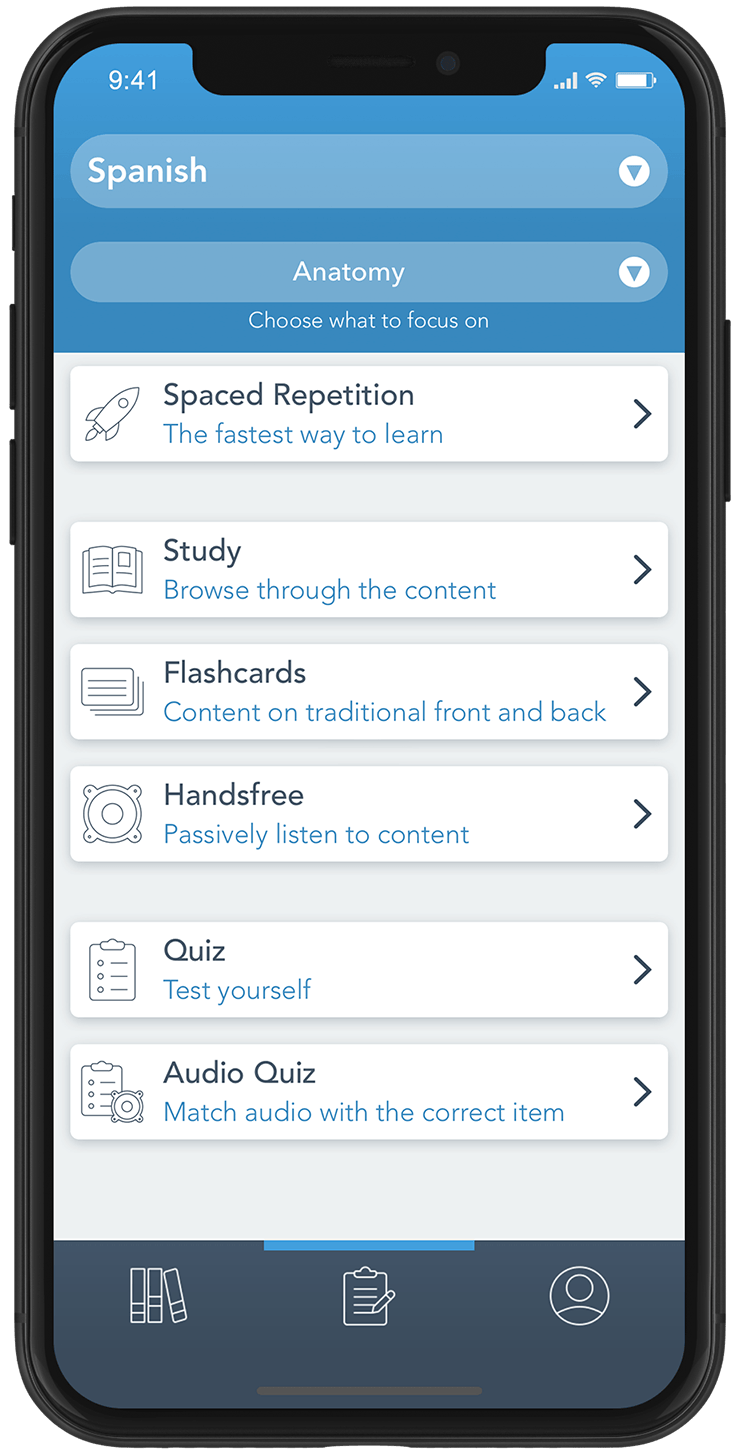
All features of AccelaStudy use your study focus as the source of vocabulary words.

By default, All Words is the selected study focus, allowing the various features of AccelaStudy to use the entire vocabulary list as the word source.

Choosing Selected Categories narrows the study focus to only the words in categories you have previously selected.

Choose one of your study sets to focus on only those words in the study set.

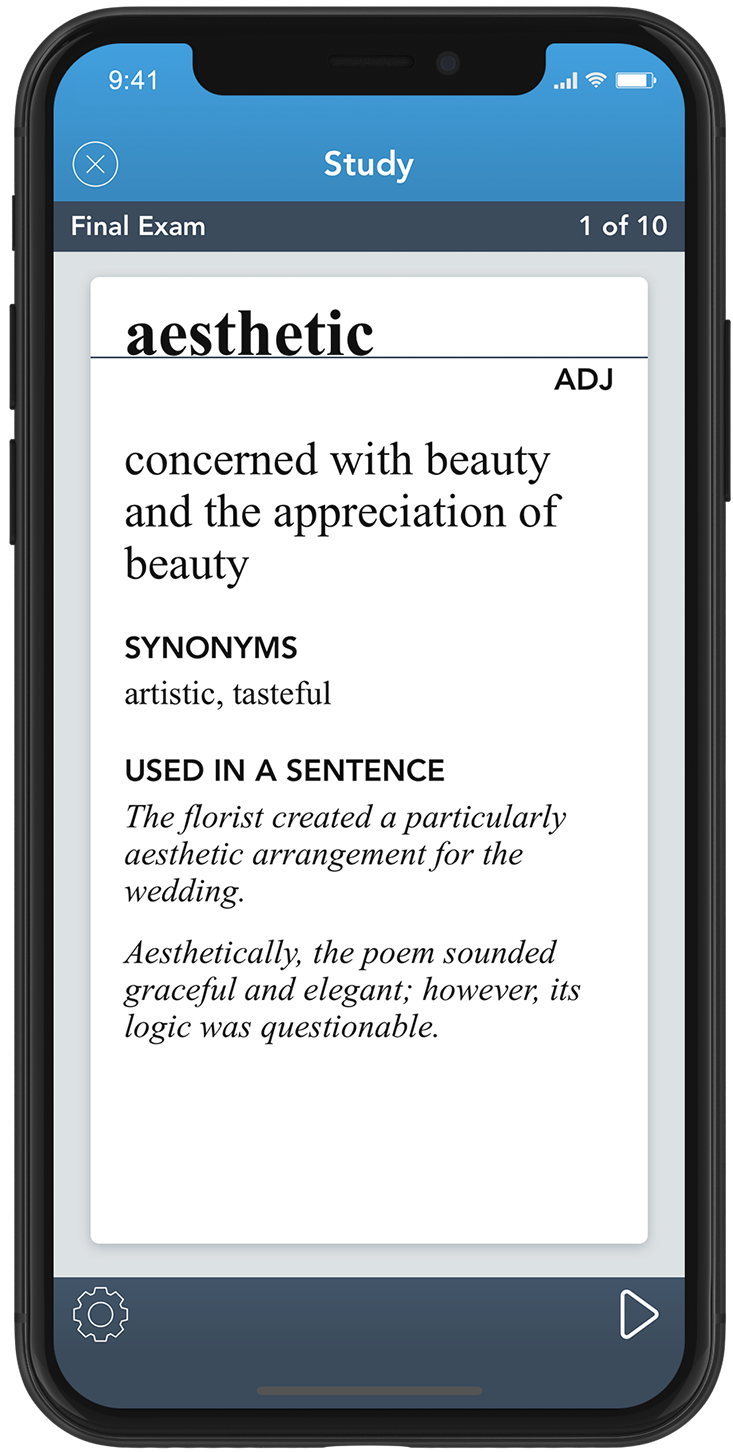
Study Mode

Study Mode

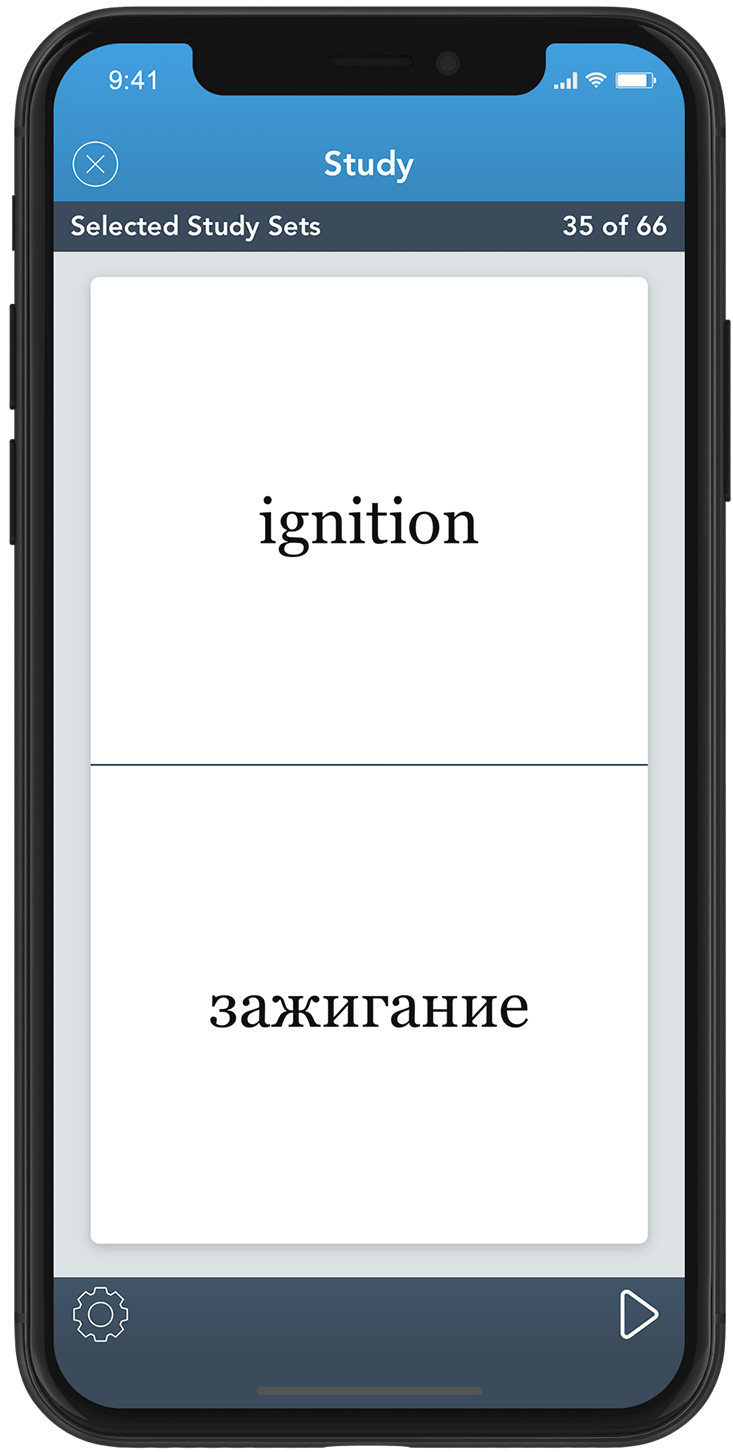
Study Mode shows both words on screen at the same time.  This mode is helpful when browsing words or when first learning new vocabulary.

The order of display is optional: words at the top can easily switch places with the words at the bottom.

The audio pronunciation of the word is played when the word is first displayed.

Tap the audio icon to hear the pronunciation again.

Flashcard Mode

Flashcard Mode

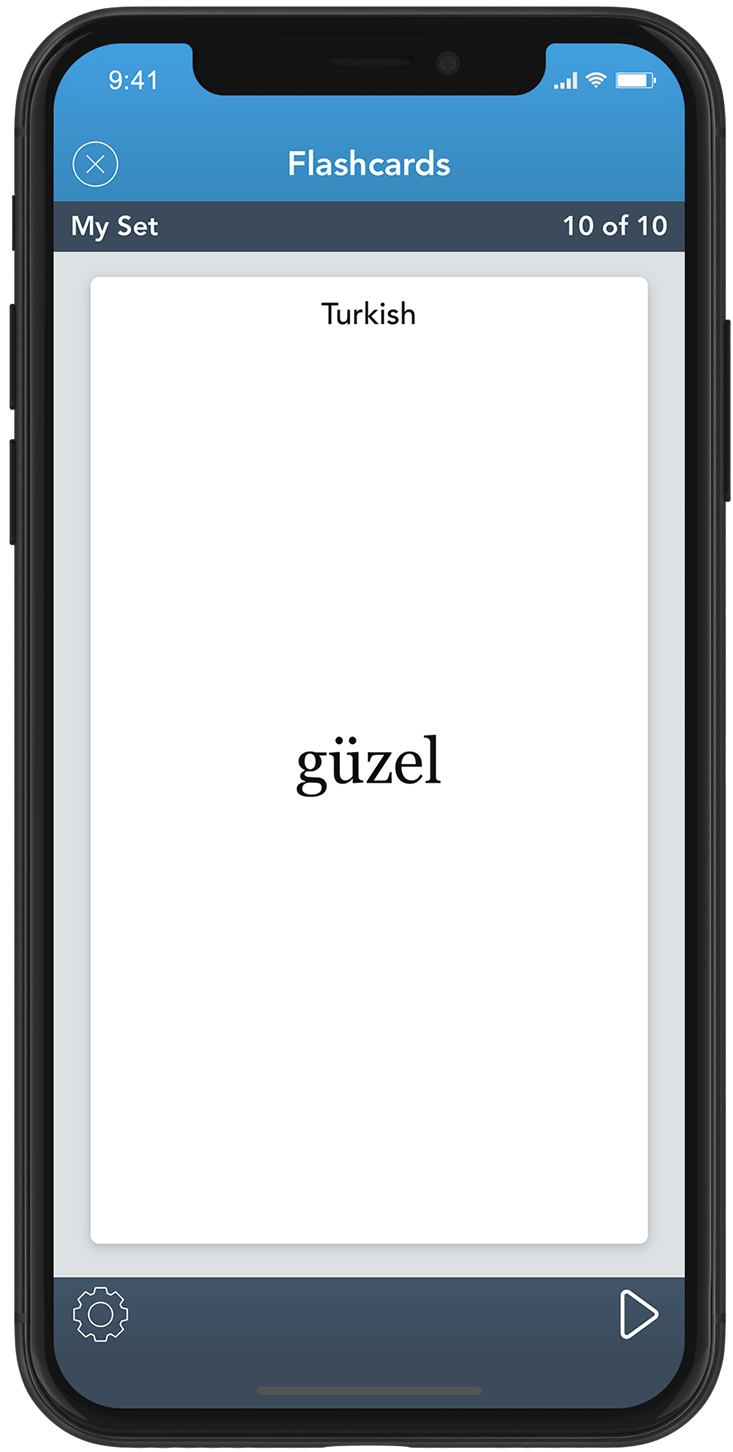
Practice your vocabulary with AccelaStudy's intuitive Flashcard Mode.

Tap the screen to flip the card from front to back and back to front.

The audio pronunciation will play for the word displayed on the current side of the card.

Spaced Repetition Mode

Spaced Repetition Mode

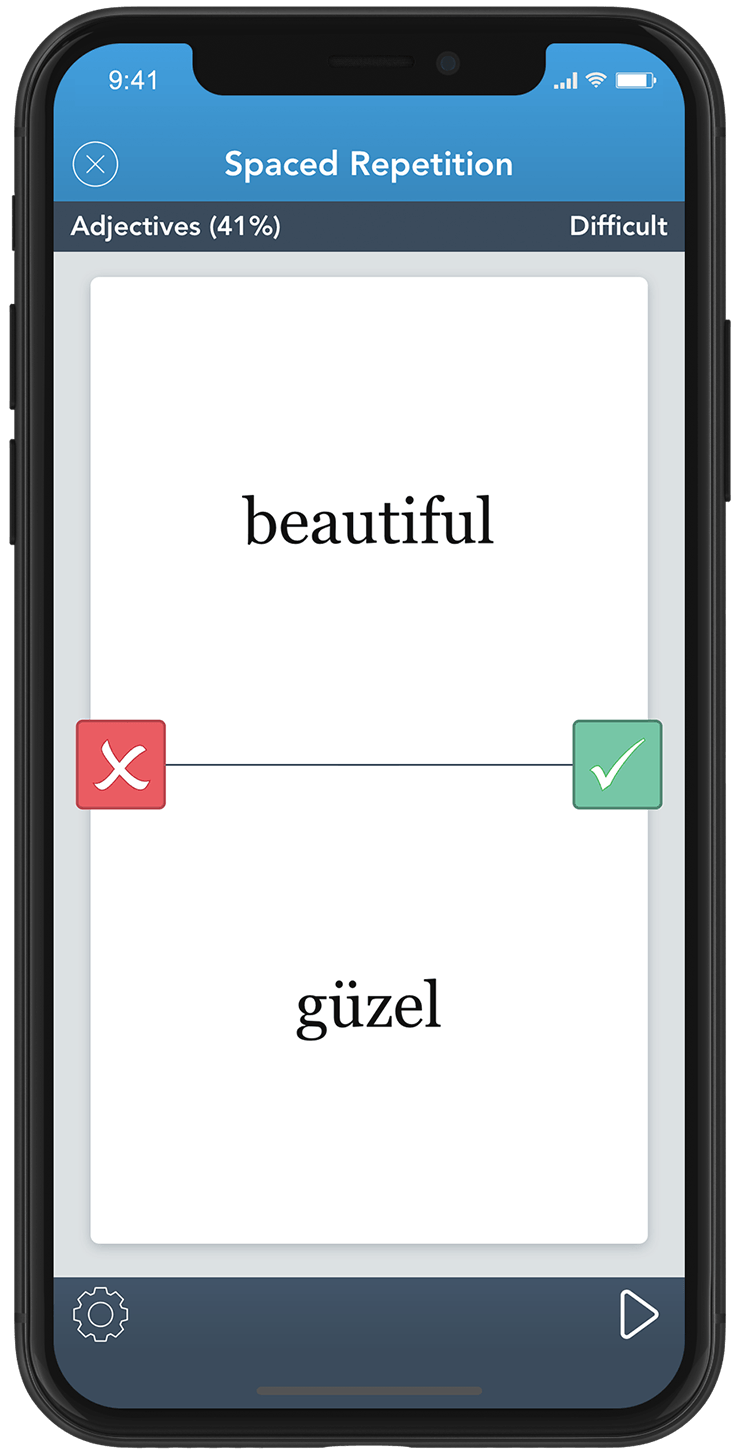
Spaced repetition is a learning technique that incorporates increasing intervals of time between subsequent review of previously learned material.

Students learn words more quickly when they are studied a few times over a long period of time rather than studied repeatedly in a short period time.

AccelaStudy helps you focus on the words you don't know rather than the words you have already mastered.

Statistics

Statistics

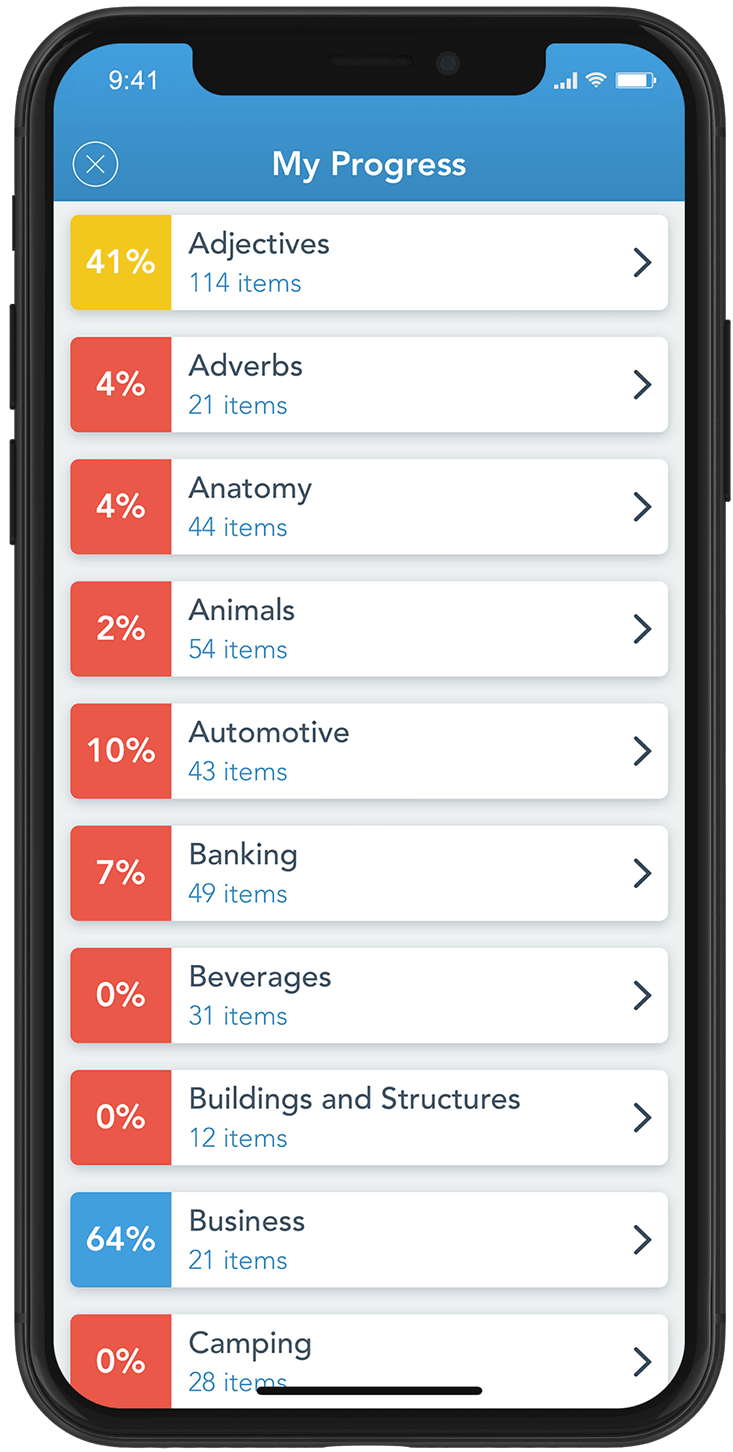
Keep track of your progress by reviewing your statistics.

AccelaStudy tracks your progress in both categories and study sets.

All vocabulary words start off as “Most Difficult” and change as you study them in Spaced Repetition Mode.

As you learn the words in a category or study set, the mastery percentage increases.  Once you have mastered all words, the mastery percentage will be 100%.

Statistics Graph

Statistics Graph

You can drill down into the progress of a particular category or study set.

Words are ranked in difficulty from Most Difficult to Easiest.

As you learn words in Spaced Repetition Mode, the difficulty moves from Most Difficult to Difficult to Average to Easy to Easiest.

Once all words in a category or study set are marked as Easiest, you have mastered them!

Quiz Mode

Quiz Mode

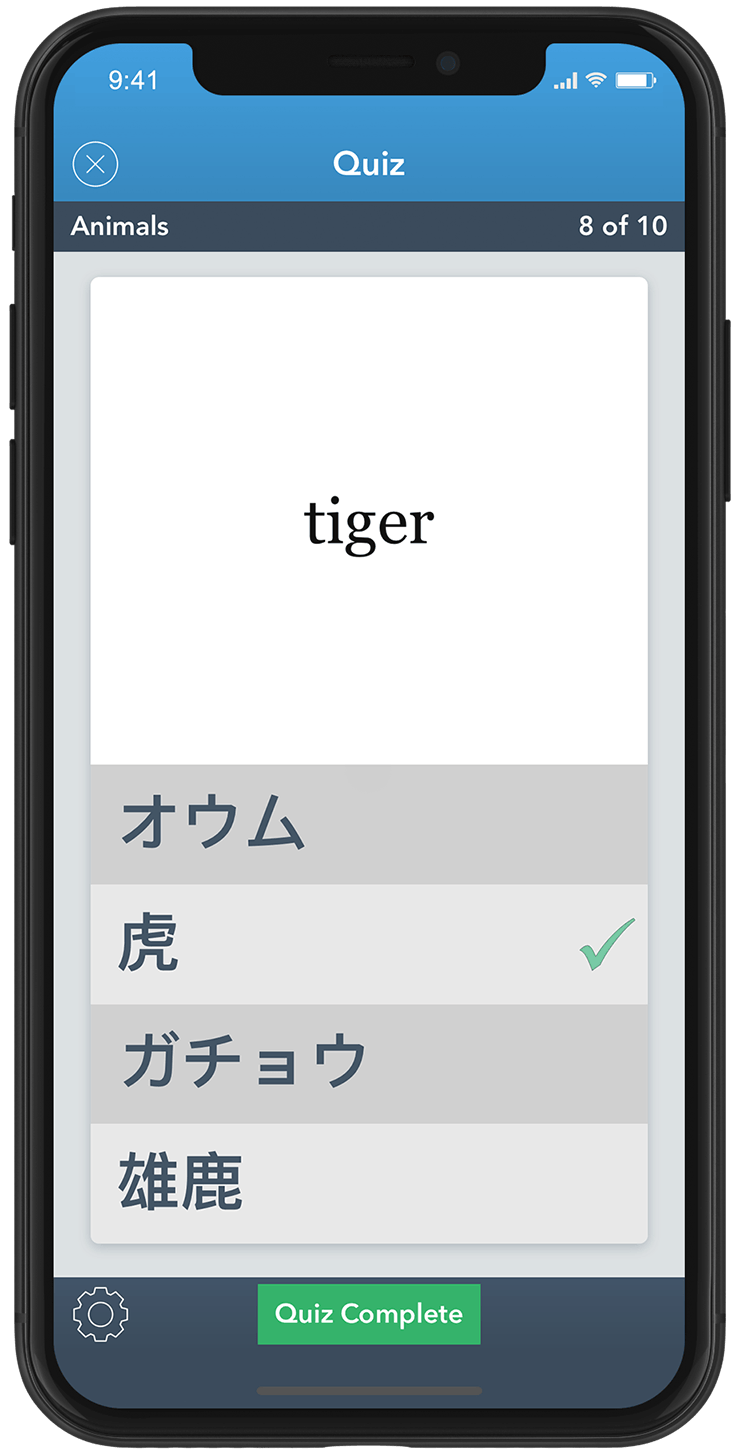
Quiz Mode tests your vocabulary recall by presenting a word at the top of the screen and several possible matches at the bottom.

Tap on the word at the bottom that matches the word at the top.  If you are correct, your selected answer will turn green!  If you're wrong, your selected answer will turn red.

Tap the green checkmark at any time to check your quiz results.

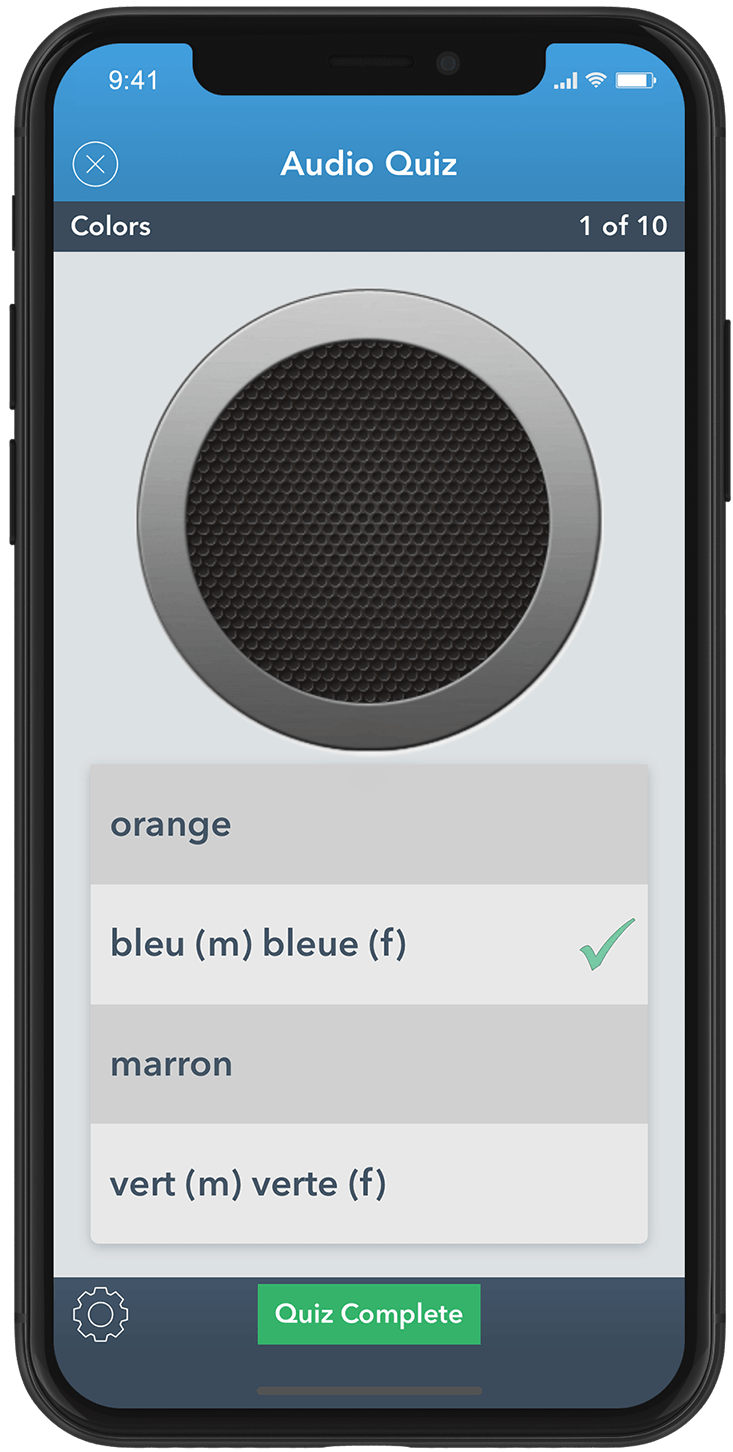
Audio Quiz Mode

Audio Quiz Mode

Audio Quiz Mode is exactly like Quiz Mode except that no word is displayed at the top of the screen.  Instead, the audio pronunciation of the word is played.

After hearing the vocabulary word spoken, tap on the word you heard in the list of answers.

Tap the audio icon to repeat the audio pronunciation.

Quiz Results

Quiz Results

After answering all questions for a quiz, tapping the green checkmark displays the Quiz Results.

The Quiz Results screen shows the total number of correct answers out of the total number of questions.  Any missed words are presented in a list.

Tapping on New Quiz will start a new quiz.

Tapping on Review will close the Quiz Results screen and allow you to go back through the current quiz.

Quiz Options

Quiz Options

The Quiz Options screen allows you to customize Quiz Mode and Audio Quiz Mode.

The Display option allows you to specify the language you want the quiz word in and then language for the potential answers.

You can also set the number of quiz questions to 10, 20, or 30 questions.

Challenging quizzes are more difficult because cognates are eliminated and answers will be of the same part of speech as the quiz word.

Vocabulary Subject Areas

Vocabulary words in AccelaStudy are organized into the following subject areas:

Basics

Colors Conversational Days, Months, and Seasons Directions Fundamentals Moods, Attitudes, and Emotions Numbers and Counting Question Words Shapes Superlatives Time Weather

Parts of Speech

Adjectives Adverbs Pronouns

The Human Body

Anatomy Hair Medical Toiletries

Nature and the Outdoors

Animals Camping Flowers, Trees, and Plants Outdoors

Technology and Innovation

Automotive Buildings and Structures Electronics Materials

Work

Banking Business Economics Finance Investing Mail and Delivery

Food and Drink

Beverages Condiments Cooking Desserts Fish and Seafood Foods Fruits and Nuts Meals Spices Vegetables

Commerce

Clothing Jewelry Shopping

People

Children and Babies Family and Relationships Occupations

Leisure

Drawing and Painting Entertainment Music Reading and Writing Smoking Sports Swimming and Boating

The World

Geography Government Law Enforcement Military and Combat Travel

Home and Personal Life

Home Household Religion School Town and Country